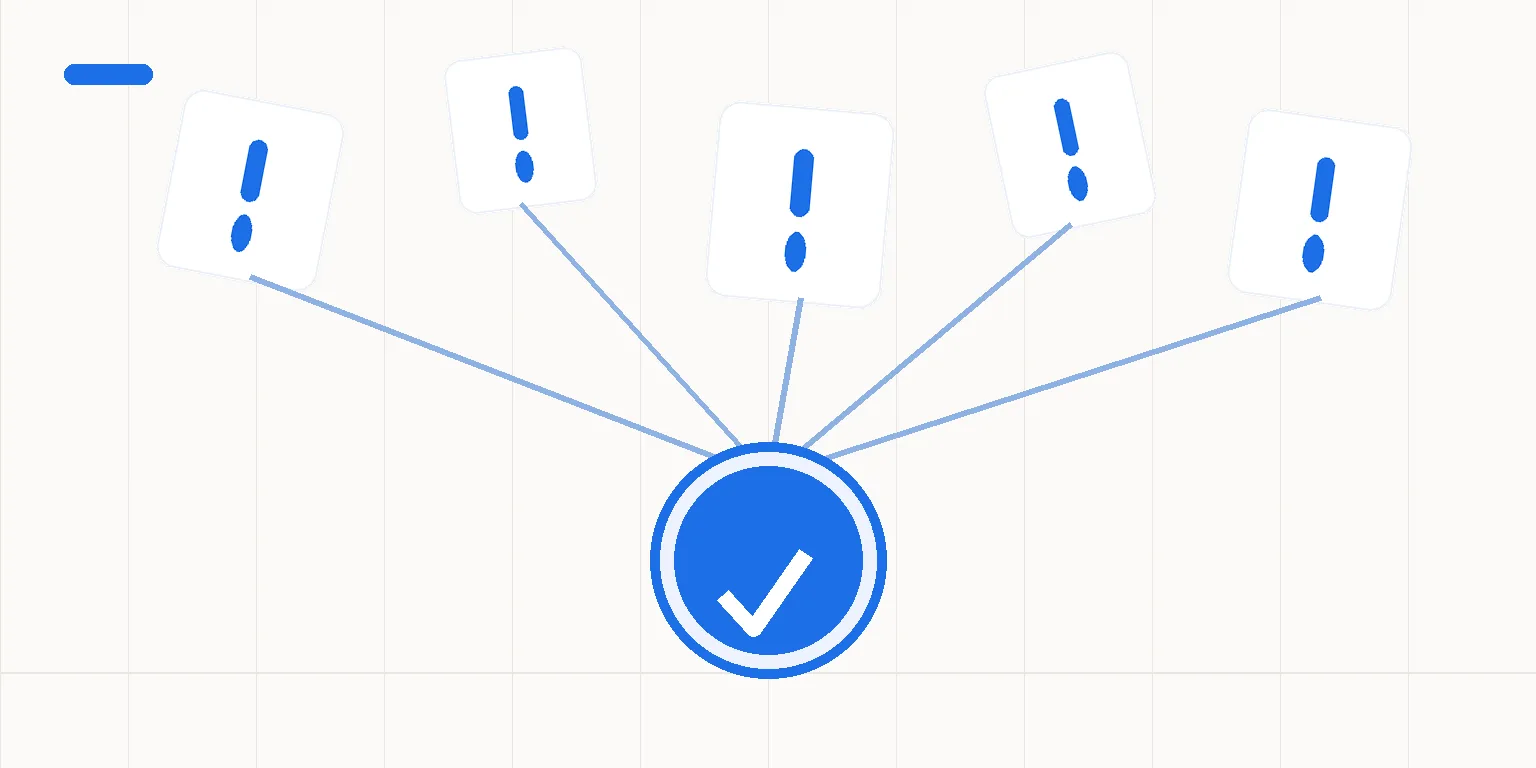
Which signs make CRM updates worth reviewing?
CRM means the system where your team keeps customer information and sales records. An update might be a new contact, a corrected billing address or a changed sales status. For sales teams, the useful question is who needs that CRM data next and how it reaches them.
Picture a sales coordinator opening an email, finding a customer address and typing it into the CRM. Later, finance asks for the same address. This is a planning example, not a report of client work. It exposes a handoff you can measure.
Another planning example is an account owner who goes on leave. A colleague sees a sales record but can't tell whether the customer has received a reply. Before building anything, decide where the team should record that action. A reminder can't decide who owns the work.
Review these five signs:
- Someone types the same field into more than one system.
- A next action lives in someone's memory instead of an agreed record.
- Missing data repeatedly sends work back to the previous person.
- More inquiries add more copying instead of more useful sales work.
- People can't tell whether a handoff completed without asking a colleague.
These signs identify business processes worth reviewing before you buy automation. They don't prove that a purchase will pay for itself. For each sign you recognize, choose one recent item and follow it through the process.
Ask who touched it and what they checked. That gives you something more useful than a list of tools.
How can you tell a repeatable task from a broken process?
A repeatable task has a clear starting point and a clear finish. A form submission could be the start. A full contact record with a named owner could be the finish. I still need to check the form provider's connection before I can promise that design.
The task needs stable rules, but salespeople may disagree about when an inquiry is ready for a sales response. Automatic routing would then pass on that disagreement. Write the rule down first. Decide what should happen when the answer isn't clear.
Keep the smallest sensible unit of work. Taking a contact from a form to the CRM is different from taking a sale through billing and reminders. One project shouldn't quietly become every step of serving a customer.
n8n's built-in HubSpot CRM connection can create or update contacts. n8n documents those functions. That feature doesn't decide which fields are correct for your team. I still check matching rules and access in your own setup.
Measure how much work the chosen task involves. Include current corrections and the checks that will remain. The automation payback guide distinguishes freed working time from cash savings.
Which decisions should stay with a person?
A person should approve decisions that change an agreed price or commit the business to a promise. A sales status can trigger prep work without acting as approval. For example, a billing step can wait until someone approves the amount.
Unclear customer matches also need a person. Two records with similar names don't prove they're the same customer. Agree the matching rule and the review route before testing. The process should stop the affected item when the rule doesn't give a clear answer.
You can prepare replies to some repeated questions from agreed text. But don't treat every incoming message as the same question. A complaint or a request to change terms needs a different response. Preparing a reply for review can be a better first scope than sending it without review.
Agree who can see the data and what moves between the apps. That includes any contact details in alerts. A useful internal alert shouldn't reveal the whole customer record to people who don't need it. These access choices belong in the written scope.
What happens when a field is missing or a service fails?
Missing data should take a named route, not vanish into a successful-looking record. The design can pause that item and notify the responsible person. The message should identify the work that needs attention without exposing personal data nobody needs.
A test plan should include more than one happy example. Test a normal record, an incomplete record and an unclear customer match. Also agree what happens if a service doesn't respond.
These are tests for the proposed build. They aren't claims about features each app includes.
If a response is uncertain, check whether the action completed before sending it again. Otherwise a retry could create cleanup work. Some cases will need human review. Record that recovery step in the instructions instead of describing the process as error-free.
Measure exceptions after delivery as part of the result. If copying takes less time but corrections take more, your team needs to know. A useful improvement shows up in the whole agreed task, not only the fastest step.
When should you fix the process without a custom build?
Don't automate a handoff that lacks an owner or a clear source for the data. Set those first. If nobody can explain when the task is complete, the acceptance test isn't ready either.
Check the connection your team already has. A ready-made integration may do enough. If Zapier or Make can meet the needed checks in your setup, a custom build may not be worth buying. No tool name is a reason to skip that comparison.
Volume matters, but frequency alone isn't a buying rule. A weekly task can be small and easy to handle. A less frequent task can still matter if a delay creates a specific business problem. Compare the cost with the work and risk you actually observe.
For a first project, I build one repeated task across no more than three apps in your company's own n8n Cloud account. The scope includes setup, testing and written instructions, with one agreed correction round. You pay the services' subscription and use fees separately.
My delivery ends with the agreed handover and correction round; I don't provide ongoing maintenance, server management or on-call support. Your team names the person who handles alerts after handover. We confirm timing, tax and payment terms in the written offer. Project communication stays in writing.
A repeated problem is a reason to inspect the process, not an automatic reason to buy automation.
The CRM integration service button below lets you review the delivery scope before adding another task.
What should a team ask before deciding?
Is one of these signs enough to justify buying automation?
No. A sign identifies work to inspect, not a guaranteed return. Trace a real item through the task and measure the time, including corrections.
Check the rules and duties first. A ready-made connection or a clearer working agreement may solve the issue without a custom automation project.
Can we automate customer replies as well as CRM updates?
The scope depends on the actions you need and the tools involved. For a first project, preparing a reply for human review may be safer than sending every message without review. Complaints and changes to agreed terms need judgment. Confirm the app functions and approval route before making external replies part of the scope.
Who looks after the process once you hand it over?
Your company names an owner to handle the agreed error notices after handover. Delivery includes written instructions and one agreed correction round. This project excludes ongoing maintenance, server management and on-call support after handover. Subscription and usage fees are separate, so your team should understand those duties before approving the project.
Sources
Should we assess this handoff?
Choose one of the five signs and describe a recent handoff where it showed up. I can assess that task in writing and explain whether a project with a clear scope makes sense. Projects start at €1,500.