Who are CRM integration services for, and when are they worth it?
CRM platforms hold customer information and sales records. This service suits business owners, sales teams and operations managers with several apps. People still copy CRM data between those apps or wait for someone else to supply it. The goal is data integration for one handoff, rather than replacing every system.
Picture a small agency on Friday afternoon. A salesperson closes a deal, then emails finance the billing details. On Monday, finance asks for the address again. This is a planning example, not a client result.
Before building, we record how long that handoff takes and what needs fixing. After testing, we compare the same work against that starting point. We also count missed records and manual corrections. There's no promised number of hours saved.
Which tasks can I automate?
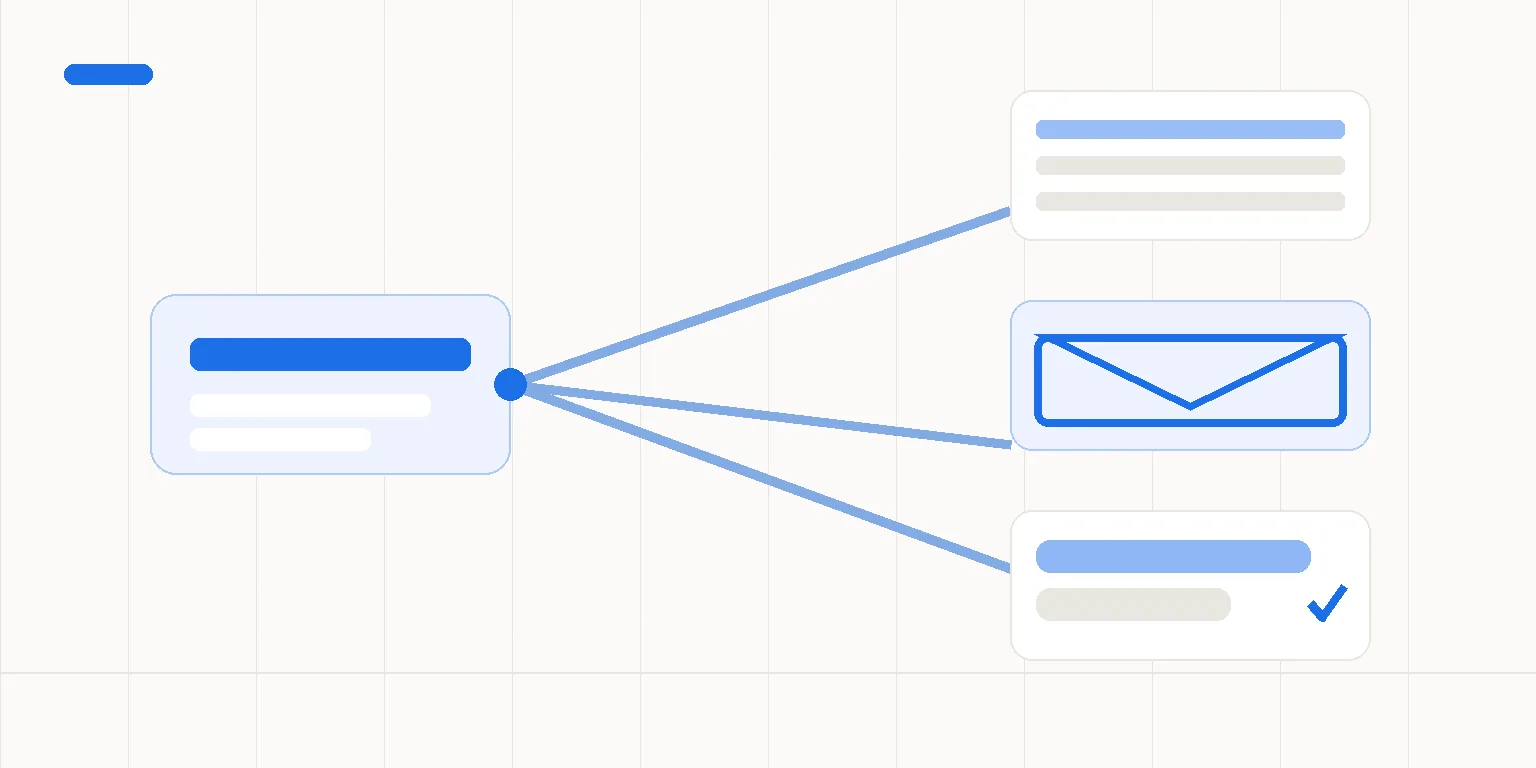
We choose one route: a form submission into the CRM, or an approved sale into billing. A form, CRM and email service would use the three-app limit. Adding billing would mean changing the scope, not quietly adding a fourth app.
For a form-to-CRM project, the agreed process could:
- Check that the needed contact details are present.
- Look for an existing record using the matching rule you approve.
- Create or update the record when the match is clear.
- Prepare an internal email with the next action.
- Flag missing details or unclear matches for a named person.
I propose these steps as a possible design, and check your specific tools before offering a connection. I don't promise support for every form provider. The lead capture examples explain the inquiry handoff and the decisions people keep.
Which systems can I connect?
n8n's built-in HubSpot CRM connection can create or update contacts and deals. Its QuickBooks Online connection can create customers and invoices. Those QuickBooks claims concern Online, not Desktop.
n8n's built-in Xero connection can create, get and update contacts and invoices. That's the scope described here, not a promise to cover every accounting task.
An available connection doesn't mean your process is ready to use. I check the needed fields and your account's access before quoting. I check the needed functions before naming the form and email tools in the written scope.
Where does a person approve or decide?
Imagine a salesperson marking a deal as "won" before the team approves the final fee. This is another planning example. That status alone mustn't authorize an invoice.
We name the person who approves the amount and billing details. The process waits at that point. Unclear customer matches also go to a person instead of overwriting a record.
Before testing, we agree which data moves between the apps. We record who can see it and what access the connection needs. Use sample records without real personal details where possible. Don't send passwords or customer lists with your first message.
An automation should pass on agreed decisions, not guess what your team meant.
What happens when data is missing or a service is down?
The affected item stops at the agreed check. A named person receives an error notice with enough context to find it. The process mustn't invent an address or silently mark an incomplete transfer as done.
We also test what happens when a request gets no clear answer. Before sending the same data again, the design checks whether the record already exists where possible. If we can't confirm that, a person reviews it. Automatic retries aren't a substitute for checking what happened.
What won't I automate?
I won't automate unclear pricing rules or let a process approve its own invoices. If nobody owns the customer record, we settle that first.
A ready-made integration may be enough. If an existing connection, Zapier or Make can meet your agreed checks, there's no reason to commission a custom build. We assess that before choosing the approach. The custom automation comparison helps you assess that choice before commissioning a build.
What do you get at handover?
I build and set up the agreed process in your company's own n8n Cloud account. You receive the tested setup, written instructions and documentation of the approval points. The handover records where error notices go and who handles them.
We agree the acceptance checks before building. They cover a normal record, missing data and an unclear match. You can review the test results against those checks. I include one agreed correction round.
The account remains yours. The project doesn't cover ongoing maintenance, server management or on-call support. We identify an internal owner before handover.
What does it cost, and how does a project start?
Projects start at €1,500. The first project covers one repeated task across no more than three apps. I build, set up and test the work, then write the user guide. The project includes one agreed correction round.
You pay n8n and other services' subscription and use fees separately. We confirm tax, timing and payment terms in the written offer. All project communication is in writing.
I'm Jelena A. Send the task you want to change, the apps involved and where it gets stuck. I'll check whether the scope fits before you commit.
What else should you know before starting?
Can you connect our exact combination of apps?
I check your named apps and the actions you need before making an offer. A listed connection is only a starting point. Your access, needed fields and approval rules still need review.
If the job doesn't fit the agreed scope, I'll tell you. I won't promise a connection I haven't checked.
Will this send invoices without anyone checking them?
Important billing decisions stay with a person. We agree who checks the amount and customer details before any invoice step proceeds. A sales status by itself isn't approval. Missing details or an unclear customer match stop the affected item and go to the responsible person for review.
What if a connection fails after handover?
The handover includes instructions for the agreed error notices and recovery steps. Your named owner handles those notices after delivery. I don't provide ongoing maintenance or on-call support through this package.
The project includes one agreed correction round. We set its scope and timing in writing.
Do we need to replace our CRM first?
Replacing your CRM isn't the purpose of this service. We start with one handoff between tools you already use. If the records or working rules are unclear, those need attention first. If a ready-made integration meets the agreed checks, a custom project may not be worth buying.
Sources
docs.n8n.io · n8n nodes base.hubspot
docs.n8n.io · n8n nodes base.quickbooks
docs.n8n.io · n8n nodes base.xero
support.netvisor.fi · 766845 miten netvisorin rajapinta toimii
Where does your team wait for customer details?
Send me the handoff your team keeps chasing, such as a form waiting for a sales response or a sale waiting for billing. Include the app names, without private customer details. I'll reply in writing with whether a first project makes sense.