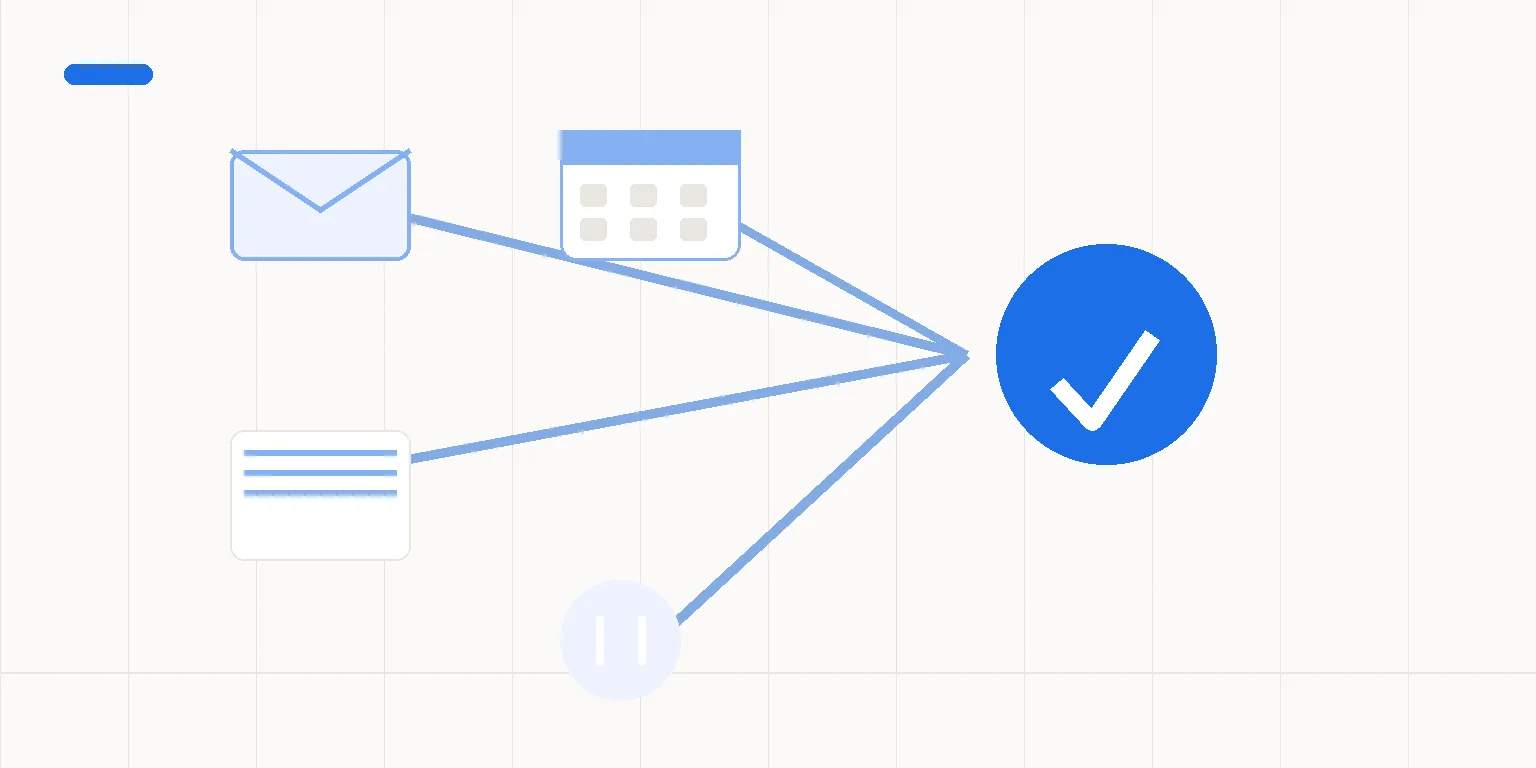
What makes disparate systems a business problem?
The number of apps isn't the whole problem. A team can use separate tools deliberately and still have clear duties. The difficulty starts when people can't locate customer information or identify whether a task reached its next owner.
Picture an agency using a CRM for sales and a separate billing system for finance. CRM stands for customer relationship management. The system holds CRM data, including customer records and sales information.
The salesperson changes an address in the CRM, while finance keeps the address already used for billing. This is a planning example.
Which address should the next invoice use? Connecting the tools doesn't answer that question. Finance might need to approve the change before it affects billing. If your team doesn't agree that rule, a connection could spread the incorrect version more quickly.
A second planning example is a new contact arriving while a staff member is away. The data reaches the CRM, but nobody knows who should respond. The record moved successfully; the work still has no owner. The gap is who handles the work, not just how the data moves.
Map the data flows for one task, from its starting event to its completion point. Include the points where someone checks or decides. A useful map shows who receives the work as well as where the data goes. Leave unrelated reporting and social publishing out of that first scope.
Which system should own each field?
Choose a main source for the fields involved. That means the record your team treats as correct when two systems disagree. It doesn't mean one app must control every part of the business.
For example, finance might own the approved billing name while sales owns the next sales action. State those decisions separately. Don't copy every field both ways just because a technical connection could make that possible. A narrower route is easier to reason about.
In the planning example, an approved CRM change could prepare an update for finance to review. Keep the current billing data in place until the named person approves the change. A person reviews an unclear customer match before the process changes a record.
n8n's built-in HubSpot CRM connection can create or update contacts and deals. Its QuickBooks Online connection can create and update customers. n8n documents both connections, but your team must still establish responsibility for each record.
Those QuickBooks functions concern QuickBooks Online. This article doesn't make a claim about Desktop support. I check the actions, needed fields and account access for your specific setup before offering a build.
Use a short written handoff record:
- What event starts the task?
- Which record supplies each needed field?
- What rule identifies the right customer?
- Who approves a conflicting or changed value?
- What result counts as complete, and who receives failures?
You don't need a technical diagram to answer these questions. A plain-language description of one recent item is enough to begin. The build details follow once the role is clear.
Where should a person approve the transfer?
An internal data update and a promise to pay aren't the same action. A sales record can prepare billing details without authorizing an invoice. Keep the approval for amounts and terms with the named person responsible.
Approval should leave a clear result the process can use. A person might reply “looks fine” without saying which details they checked. Agree which details the person reviewed and what happens if they change later.
Don't resolve conflicting customer records by choosing the newest timestamp alone. A newer record can still contain an error. The matching rule should use identifiers your team can justify. If the rule can't show a match, stop the affected item for review.
Agree what data moves between the CRM and the other service. Record who can view it and what access the connection needs. Test with sample records where possible. You can describe the work without sending your entire customer database in an initial email.
What if one tool is down or a transfer is unclear?
The proposed design should identify an incomplete handoff and notify its owner. A timeout isn't proof that nothing happened. If an action may have completed, check the destination before repeating it where possible.
If you can't confirm the result, send the item to a person for review. Don't describe that situation as “the system will handle everything.” The handover should say what to check, who checks it and how the item continues afterward.
Test a normal transfer and missing needed data. Include an unclear match and a service that doesn't respond. Compare the result with acceptance checks agreed before building.
The build must pass these tests. Don't assume that every app includes these checks.
Also check how the team will notice delayed work. A successful record transfer doesn't prove that someone acted on it. Decide whether completion means data saved, a person assigned or a later approval. Use that same definition when assessing the result.
When should you keep the tools separate?
If two systems have different purposes and don't need to exchange a field, leave that field alone. More syncing doesn't always help. Don't create a second route to solve a problem that is really an unclear working agreement.
A ready-made integration may already fit the task. If an existing connection, Zapier or Make can satisfy the needed checks, assess it before buying a custom build. The choice depends on your actual process, not a claim that one tool is always better.
A first project covers one repeated task and no more than three apps. I build and set it up in your company's own n8n Cloud account. I test the work and write the handover notes and user guide. The project includes one agreed correction round.
You pay n8n and the other services' subscription and use fees separately. You receive a tested handover; this project excludes ongoing maintenance, server management and on-call support. Your company needs a named person to handle agreed error notices after handover.
The offer sets out tax, timing and payment terms in writing. We communicate in writing too. I assess your applications before discussing delivery timing, and I don't guarantee savings from connecting them.
A connection needs an owner for the data and an owner for the work.
Review the CRM integration offer through the service button below for the implementation limits. To select a task first, use the CRM updates assessment.
What should you ask before connecting separate tools?
Do we need a single system for the whole business?
Not necessarily. Separate tools can serve different jobs if the team knows which record holds the agreed value for each field. Start with the data one task needs, and keep your existing applications if they support that handoff. The first integration project doesn't require replacing every system.
Should data sync in both directions?
Not by default. First decide which system owns each value and what happens when records disagree. Copying both ways without those rules can spread an incorrect value.
A narrower route with an approval point may fit the task better. I check the specific actions and access before I offer a build.
What happens if a transferred record has no next owner?
The data may have moved while the work still waits. Agree who receives the item and what counts as completion before building. Test assignment as well as storage if it is part of the scope.
Your team needs to settle who owns the work. A new tool won't make that choice for you.
Sources
docs.n8n.io · n8n nodes base.hubspot
docs.n8n.io · n8n nodes base.quickbooks
Should we assess this handoff?
Describe one place where two tools disagree or a colleague has to chase the next step. Include who should own the correct value. I'll assess one handoff in writing. Projects start at €1,500.