Same goal, three different philosophies: n8n vs. Zapier vs. Make for solo entrepreneurs
n8n, Zapier and Make solve the same problem differently. A plain-language comparison: pricing, ease of use, and when self-hosting pays off.
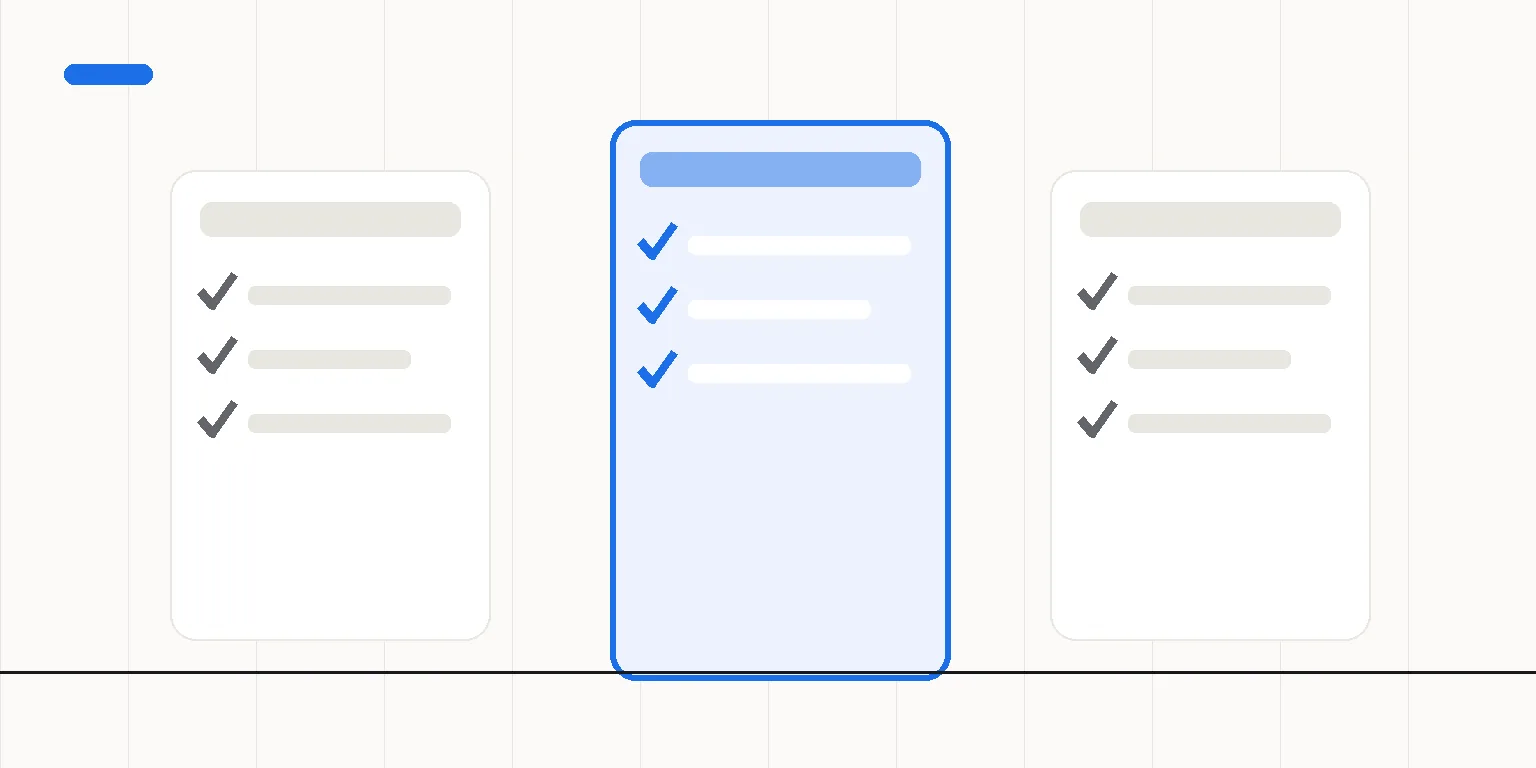
n8n, Zapier and Make all do the same basic thing: they connect apps together without code, things like email, your calendar and invoicing. The difference comes down to pricing and who hosts the tool. Zapier and Make are hosted cloud services you pay for monthly based on usage. n8n can also run on your own server, meaning you pay a fixed cost for the server rather than for every single execution.
This question comes up whenever a solo business owner notices they're doing the same manual work every week: a lead lands in the inbox, gets copied into a spreadsheet by hand, an invoice gets sent, and then everything gets logged somewhere. All three tools solve this, but which one to pick depends on how many automations you need and how much of the upkeep you want to handle yourself.
What's actually different between n8n, Zapier and Make?
Zapier and Make are the easiest to get into: you sign up, pick a ready-made template, and the automation is running within minutes. Pricing is usually based on the number of executions, so the more the automation runs, the more you pay, and the cost climbs in steps as usage grows. n8n works on the same visual principle, but because it can run on your own server, pricing isn't tied to execution count at all. You pay for the server and can run essentially unlimited automations within that same cost.
Which one is easier for a beginner?
If you don't want to touch a server or think about maintenance, Zapier or Make are the fastest way to get moving. Both run directly in the browser with no installation, and both come with plenty of ready templates for common needs. n8n's visual builder is just as easy to understand, but getting started means either setting up your own server or picking a hosted version, which adds one extra step at the beginning.
- Zapier. Fastest to start, the widest range of ready-made integrations, price climbs with usage and number of automations.
- Make. The most flexible visual editor for building branching, more complex automations, pricing also scales with usage.
- n8n. Same visual logic, but self-hosting allows a fixed cost regardless of how often things run. It does need someone to keep the server up, though.
- All three support hundreds of common apps: email, spreadsheets, invoicing, calendars, social media.
- For a solo entrepreneur the real question isn't "which is best" but "how many automations do I need and how much time do I want to spend on upkeep."
Zapier and Make sell you ease. n8n sells you control. Which one a solo business needs comes down to how many automations are running at once.
When does self-hosting (n8n) make sense for a solo entrepreneur?
Self-hosting starts paying off once you have several automations running frequently. At that point per-execution pricing on Zapier or Make would add up fast. It also makes sense if your automations touch sensitive data and you want to keep full control of it, or if automation has become a permanent part of the business rather than something you might drop at any time.
If you only need one or two simple automations and don't want to think about a server at all, Zapier or Make will get the job done without extra hassle. Neither choice is wrong. They just fit different situations.
How do you actually make the choice?
Start by listing which repeated tasks genuinely eat up time every week. If it's one or two and they're simple, start with a hosted tool and see how it feels. If you notice you're building more and more automations, or the cost keeps climbing with usage, that's usually a sign self-hosting will pay for itself.
In short
All three tools solve the same problem: removing manual, repetitive work. Zapier and Make are the fastest way to get started without a technical burden. n8n fits once you have several automations, want to keep the budget fixed, or need to keep data fully under your own control. There's no single right answer, just a question of what stage your business is at right now.
I build and maintain n8n automations on my own server for solo entrepreneurs who want the work handled without any technical tinkering. Check out the automations service or read more about how automation connects scattered tools into one pipeline.
Not sure which automation tool fits you?
I'll tell you plainly whether to start with a hosted tool or your own n8n setup. Builds start at $590, maintenance at $169/mo. All by email.
Ask what fits best →