7 signs your website needs an update
A dated look, slow loading, mobile problems. Run through 7 signs that tell you your website has fallen behind the times.
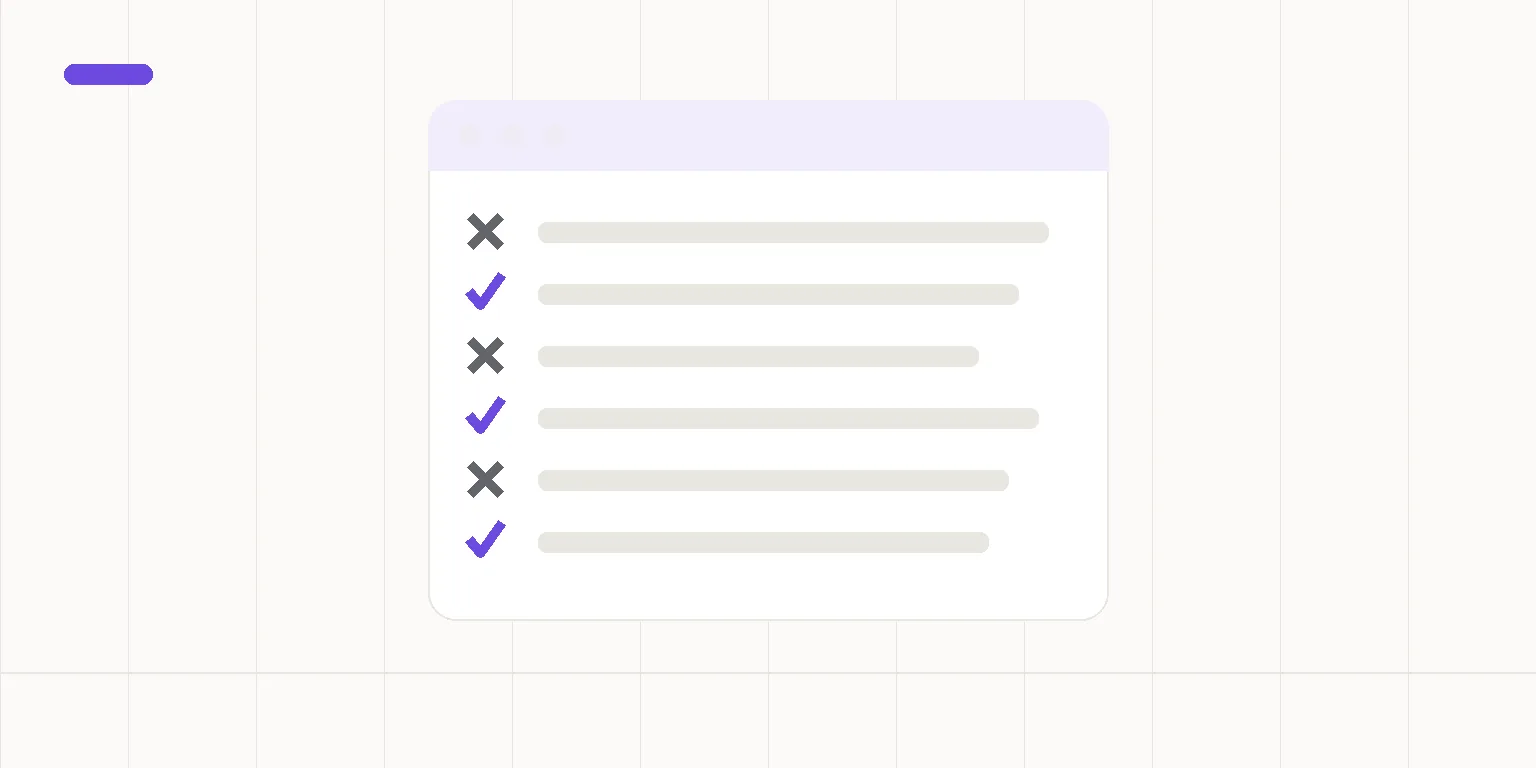
Most business owners already suspect, somewhere in the back of their mind, that their website could use an update, and the thought just keeps getting pushed aside. The seven clearest signs are: a dated design, the site not working well on a phone, slow loading, wrong or outdated information, no HTTPS, the site not touched in years, and the business not showing up in AI search answers. Run through the list on your own site. If two or more apply, it's time to put an update on the calendar.
This isn't just cosmetic. An outdated website affects whether you show up at all in search and AI answers, and it affects how many of the people who do find you actually stay to read instead of leaving after one glance.
Why does a website age even if the content never changes?
Browsers, phones, and search requirements keep evolving even when a page's content stays exactly the same. A site built a few years ago might still technically work, but it can feel dated next to the modern sites a visitor compares it to every day, often without even realizing they're doing it.
What are the 7 signs a website needs an update?
- The design looks dated. Fonts, colors, and layout give away how many years have passed since anyone touched the site.
- It doesn't work well on a phone. Text runs off the screen, buttons are too small, a menu won't open. Most visitors arrive on mobile.
- It loads slowly. If the homepage doesn't open within a couple of seconds, some visitors are gone before the page even finishes loading.
- The information is outdated. Old hours, a discontinued service, or a campaign that ended two years ago still sitting on the homepage.
- There's no HTTPS. Browsers flag an unsecured site as "not secure," which sends visitors straight back to the search results.
- The site hasn't been touched in years. Search engines and AI tools tend to favor sites that show signs of life, not ones that have been standing completely still.
- The business doesn't show up in AI answers. Ask ChatGPT or Perplexity about businesses in your line of work in your area, and you're nowhere in the answer.
An outdated website doesn't drive customers away loudly, it just quietly gets passed over.
Which sign should you fix first?
Mobile and speed affect every single visitor, so those come first. After that, HTTPS and up-to-date information matter most, since they affect trust directly. AI visibility is often the last piece, but it's becoming just as important as traditional search visibility, since more and more searches end in an AI answer.
Should you fix the old site or build a new one?
If one or two items on the list apply, you can usually patch the current site. If four or more apply, patching tends to cost more in the end than a lightweight new site built from scratch with modern tools. Repairing on top of an old foundation rarely turns out to be a permanent fix.
Summary
These seven signs all point to the same thing: the site no longer matches what today's visitors and search engines expect. Run through the checklist honestly, fix mobile and speed first, and then decide whether patching makes sense or a fresh start is the better move.
If a fresh start turns out to be the answer, it's worth listing what you want to keep from the current site first — that speeds up whatever comes next.
Is your website actually up to date?
A free AI-visibility check shows exactly where your business stands right now — no commitment, reply by email the same day.
Check your visibility →